
Your Stay at SPORTINGHOUSE
Please complete all steps of the digital self check-in before you arrive. Your apartment will be ready from 3:00 p.m. on your arrival day. Check-out is by 11:00 a.m. on your departure day. You will receive all additional information regarding your arrival, the guest app, and your stay after your booking is confirmed.
CHECK IN ONLINE. ARRIVE RELAXED.
No waiting in line at the front desk, no traditional key. At SPORTINGHOUSE, your stay begins and ends completely digital.
Book your apartment online and pay immediately
Receive your booking confirmation via email
Complete your online check-in before arrival
Door and room codes available starting on the day of arrival
No long lines – just arrive and open the door with your personal code
Our Digital Guest Guide
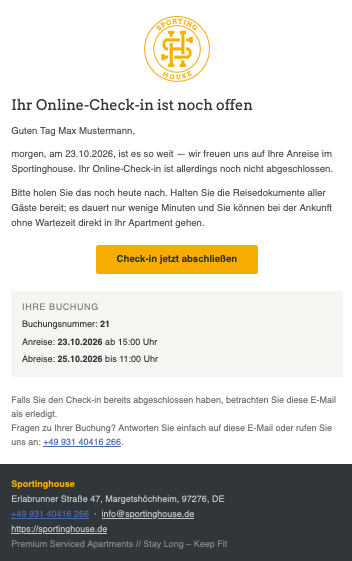
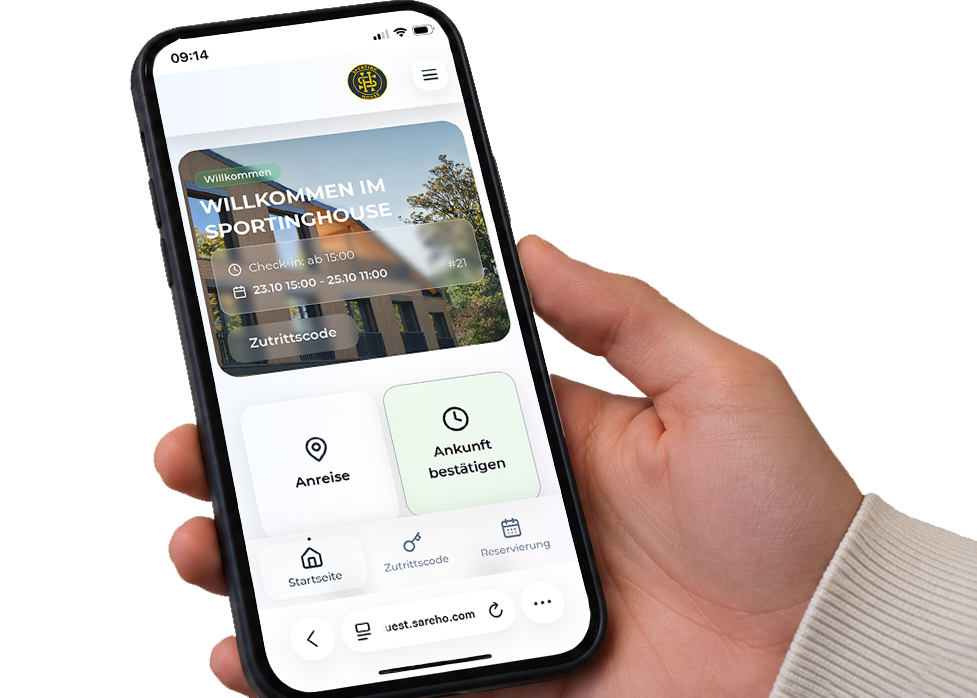
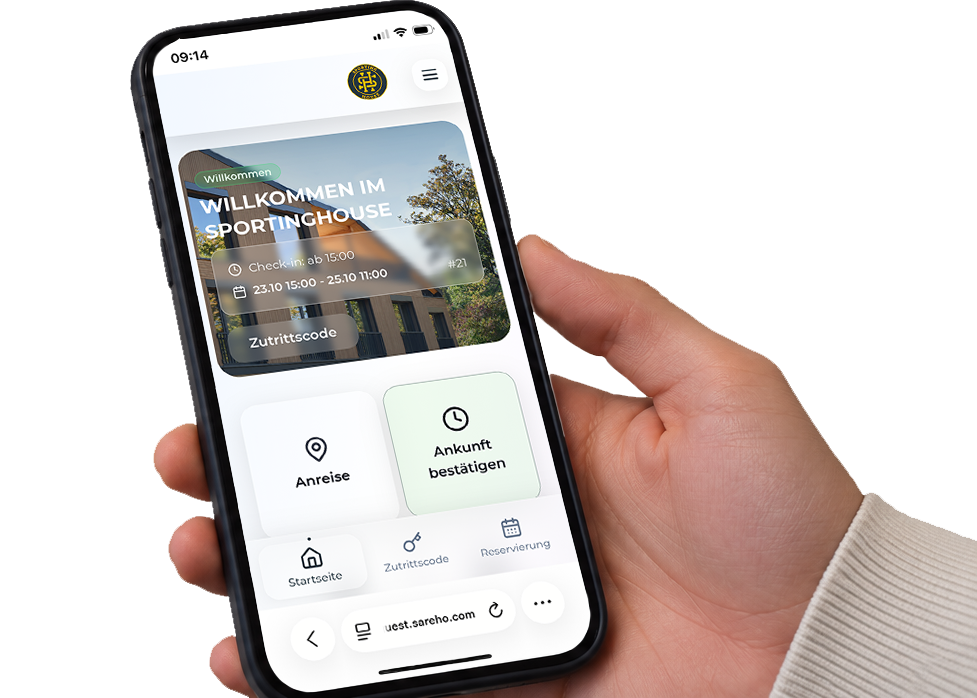
After you receive your booking confirmation, we’ll send you a separate email with a link to check in online.
Click Complete check-in now.
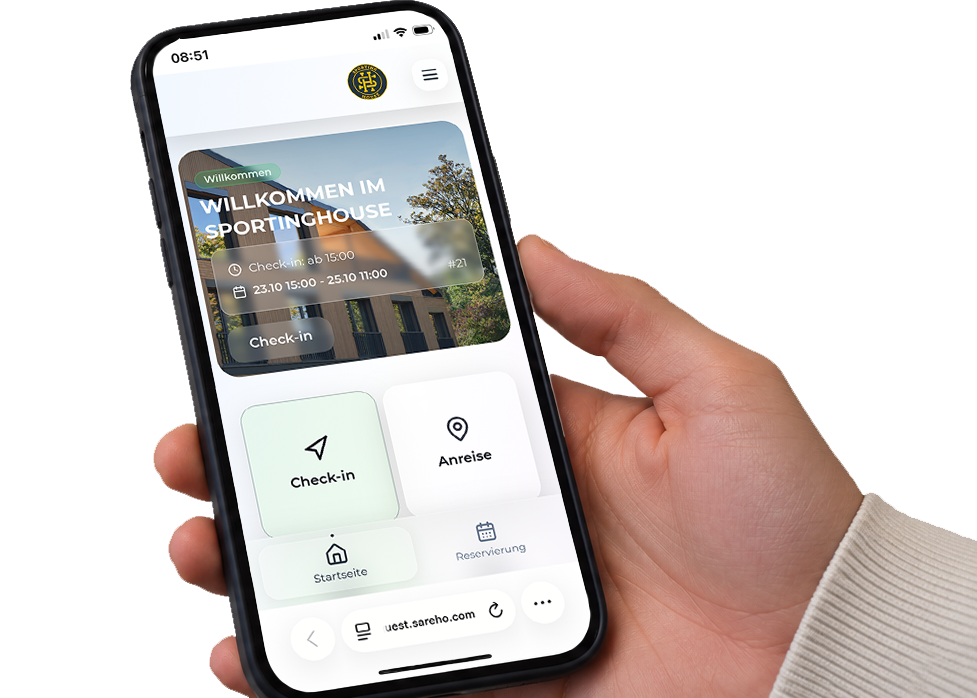
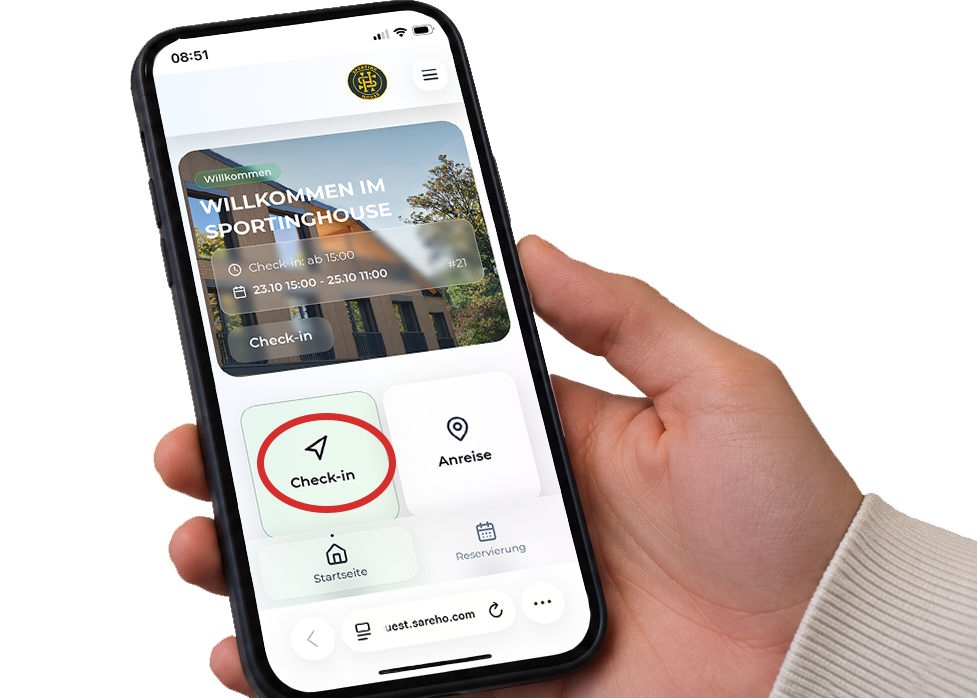
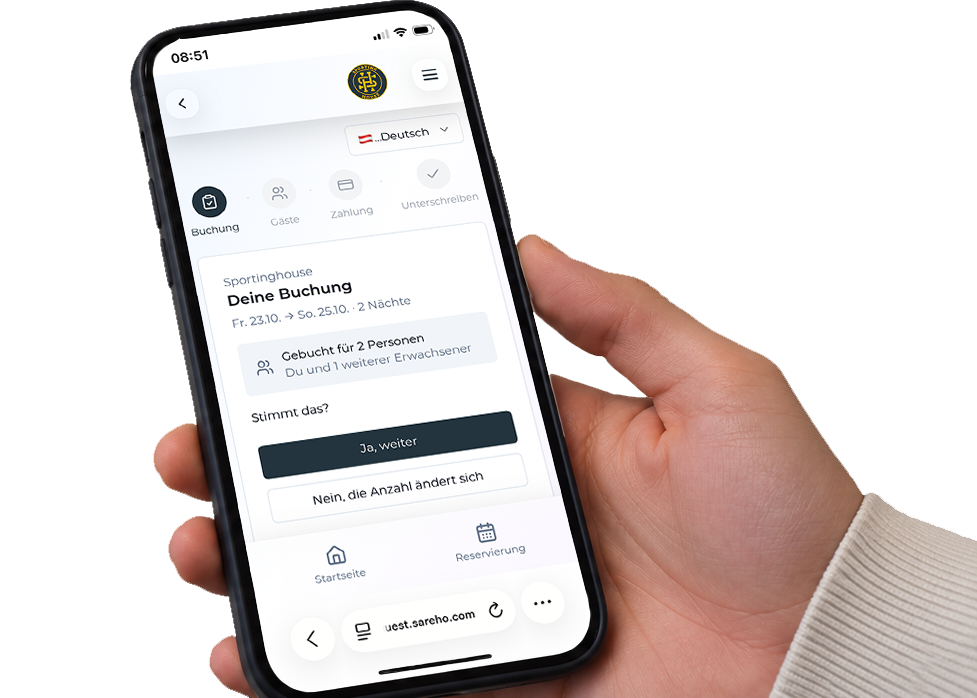
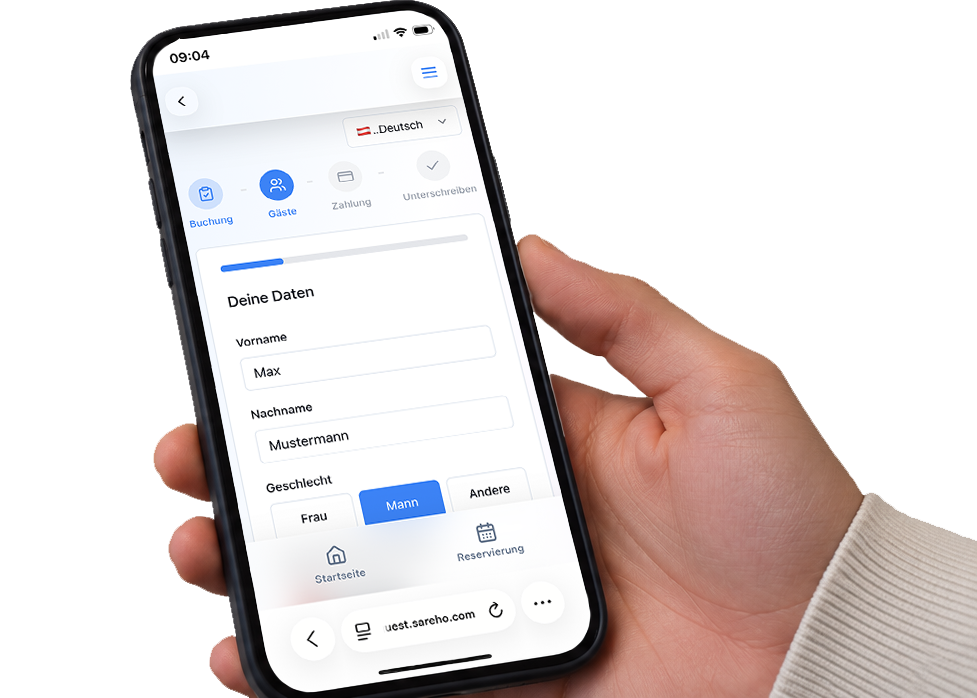
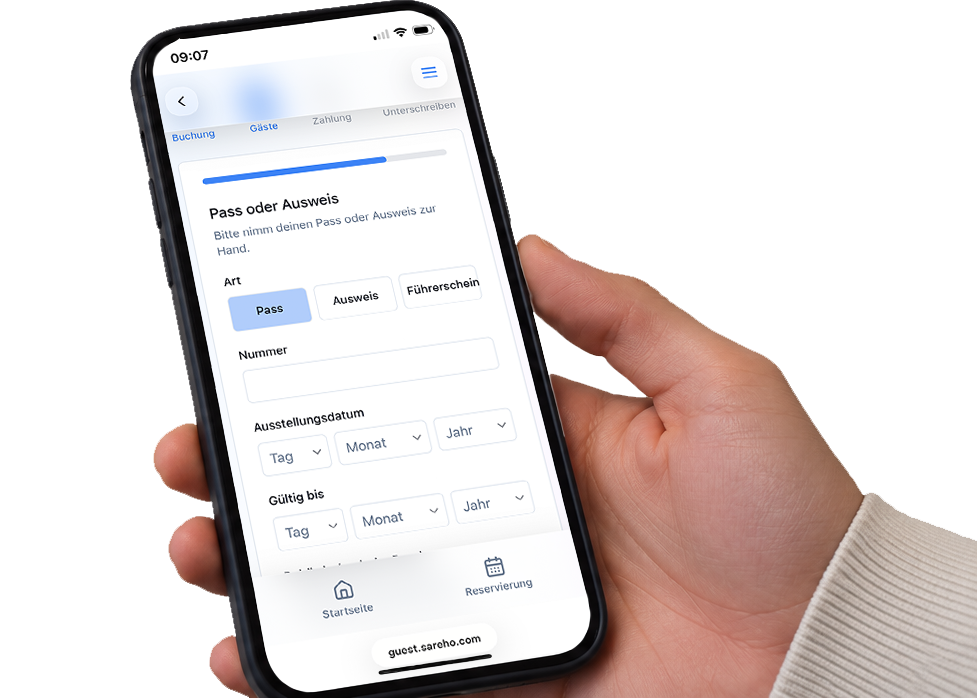
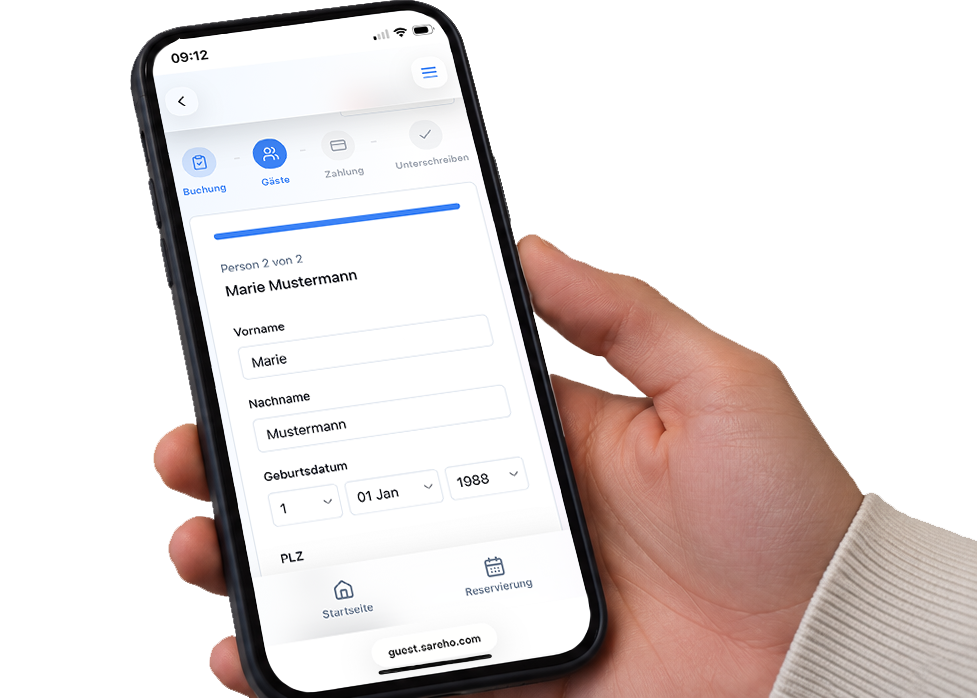
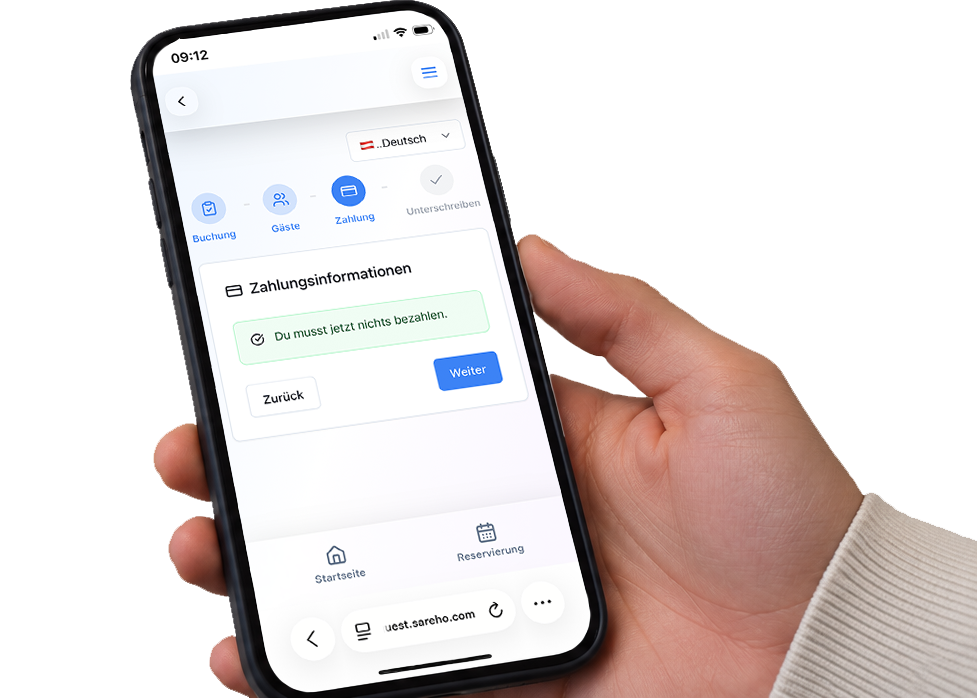
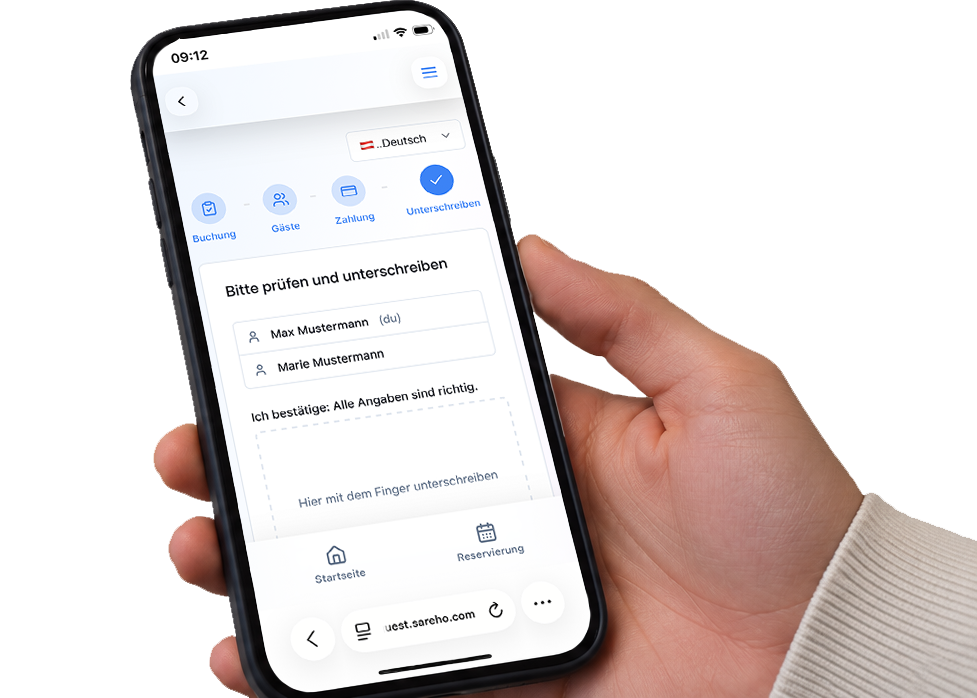
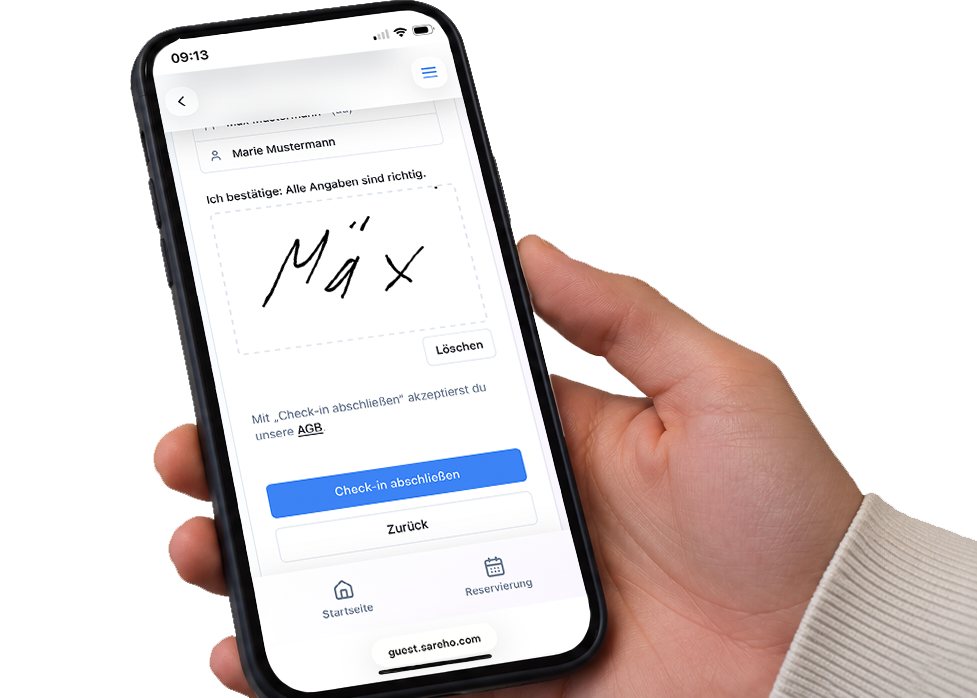
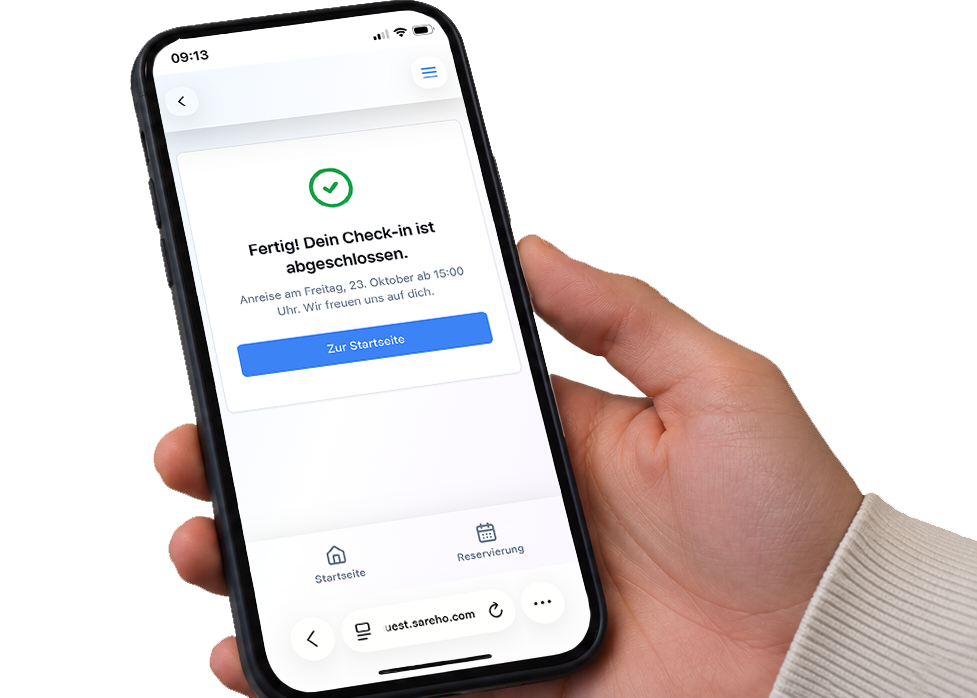
02
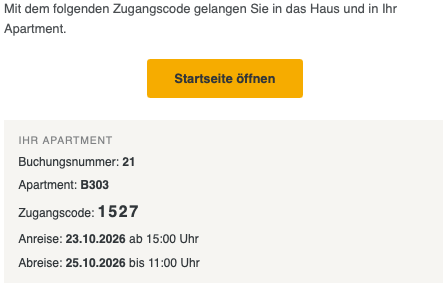
The letter before your apartment number tells you which building your apartment is in. Your access code only works at the main entrance to that building.Building Basketball (B)
Building Volleyball (V)
Complete your online check-in
Follow the instructions in the check-in email we send after your booking confirmation.
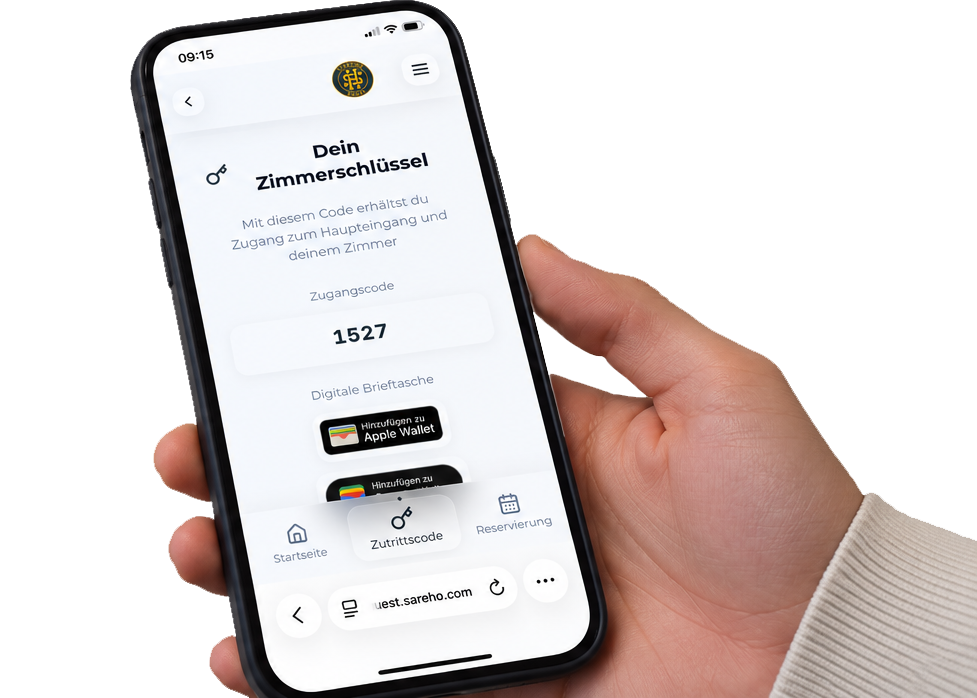
From 3:00 p.m. on your arrival day, you can use your access code to open the main entrance to your building and your apartment door.
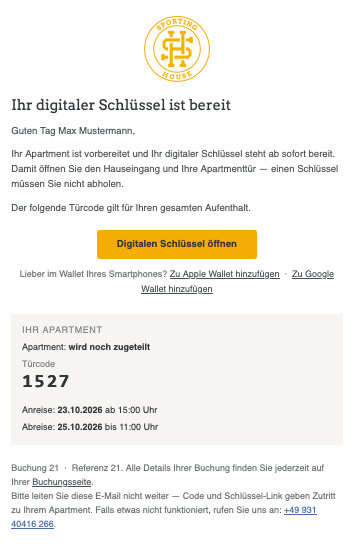
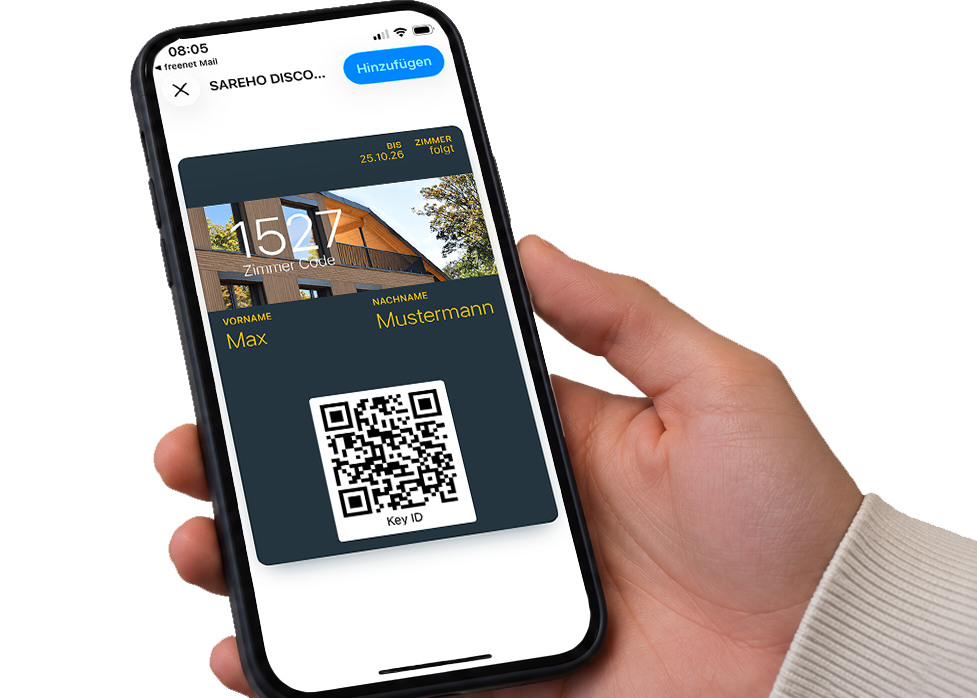
Receive your digital key by email
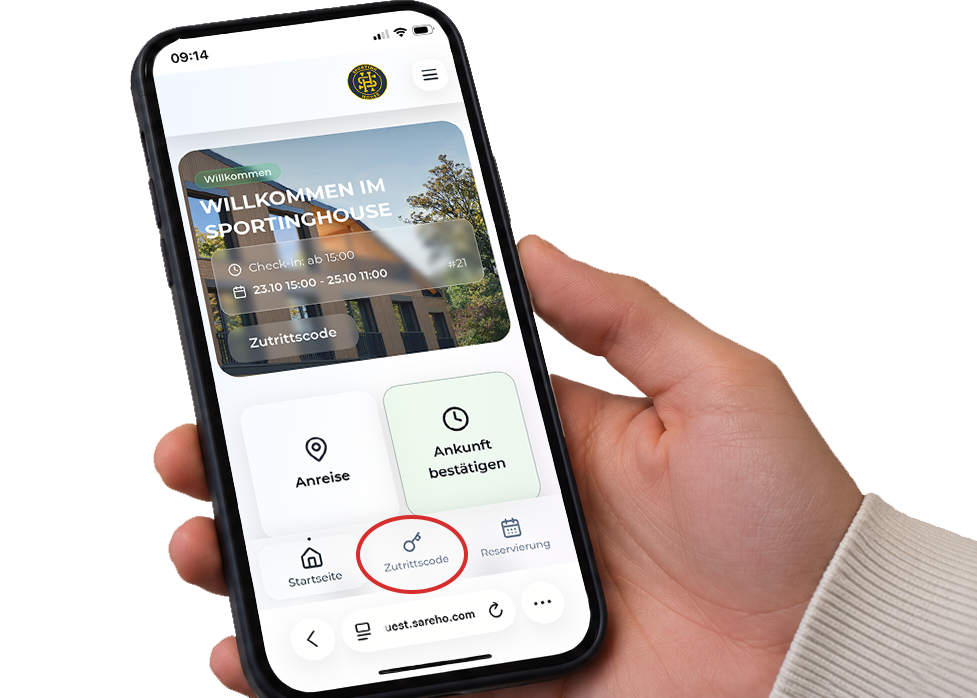
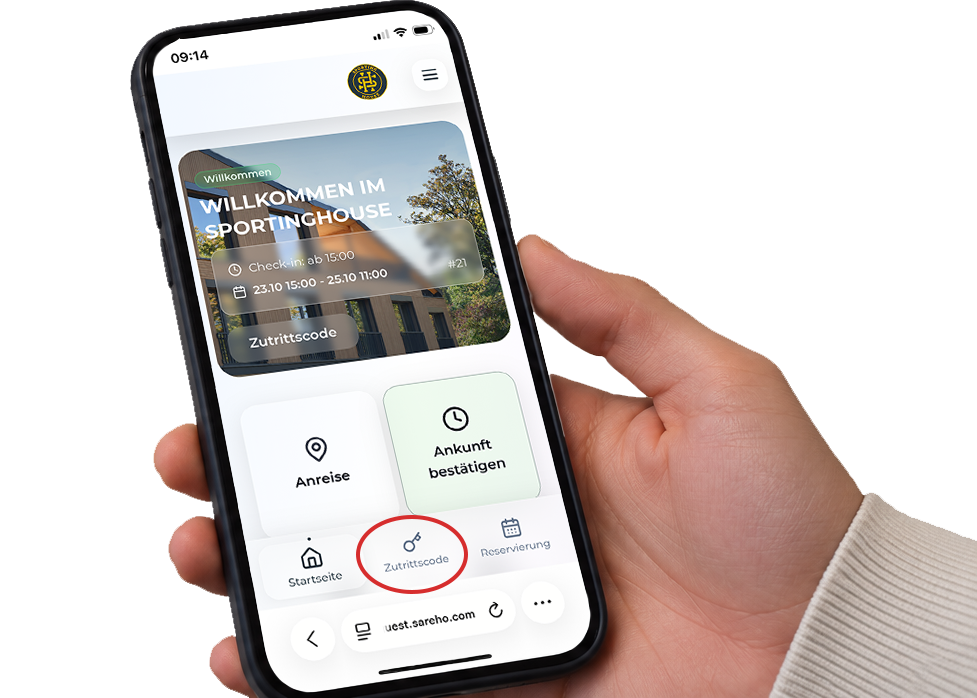
Find your access code in the app
Enter your code
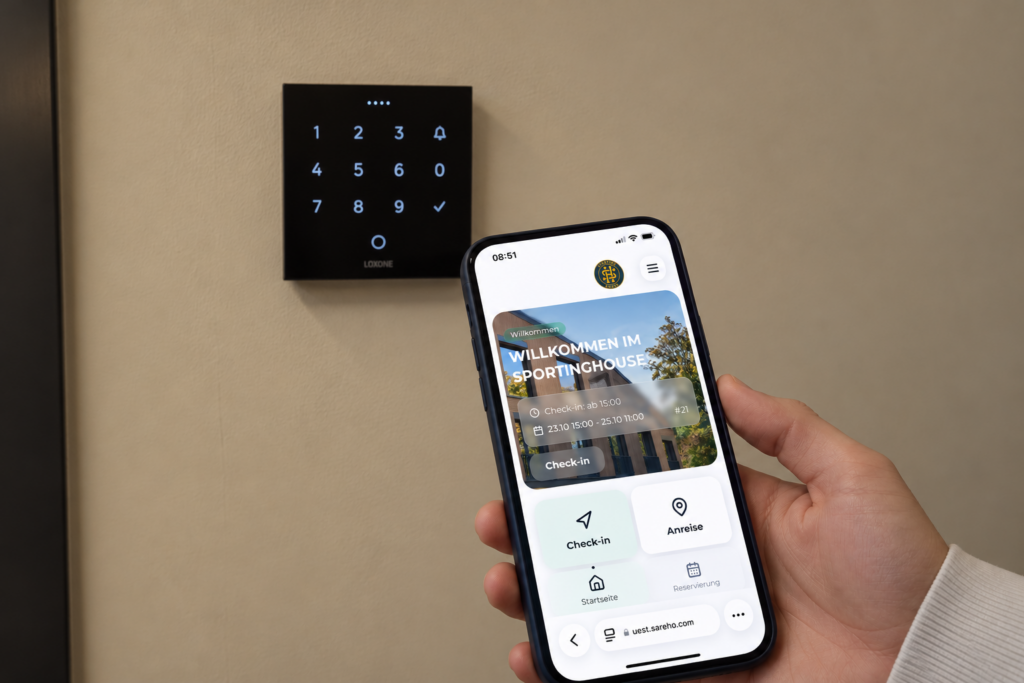
Enter your access code on the keypad.
Confirm your code
Press the tick button to confirm.
Step inside
The door is now unlocked and you can enter.